
- Home
- Starforge
Starforge
Build it. Shape it. Bring it home.
Our own 3D builder, right inside the game. Make a lamp for your kitchen, a statue for your town or a whole starship, then walk around it in your world a second later.
Make anything
From one block to a battleship.
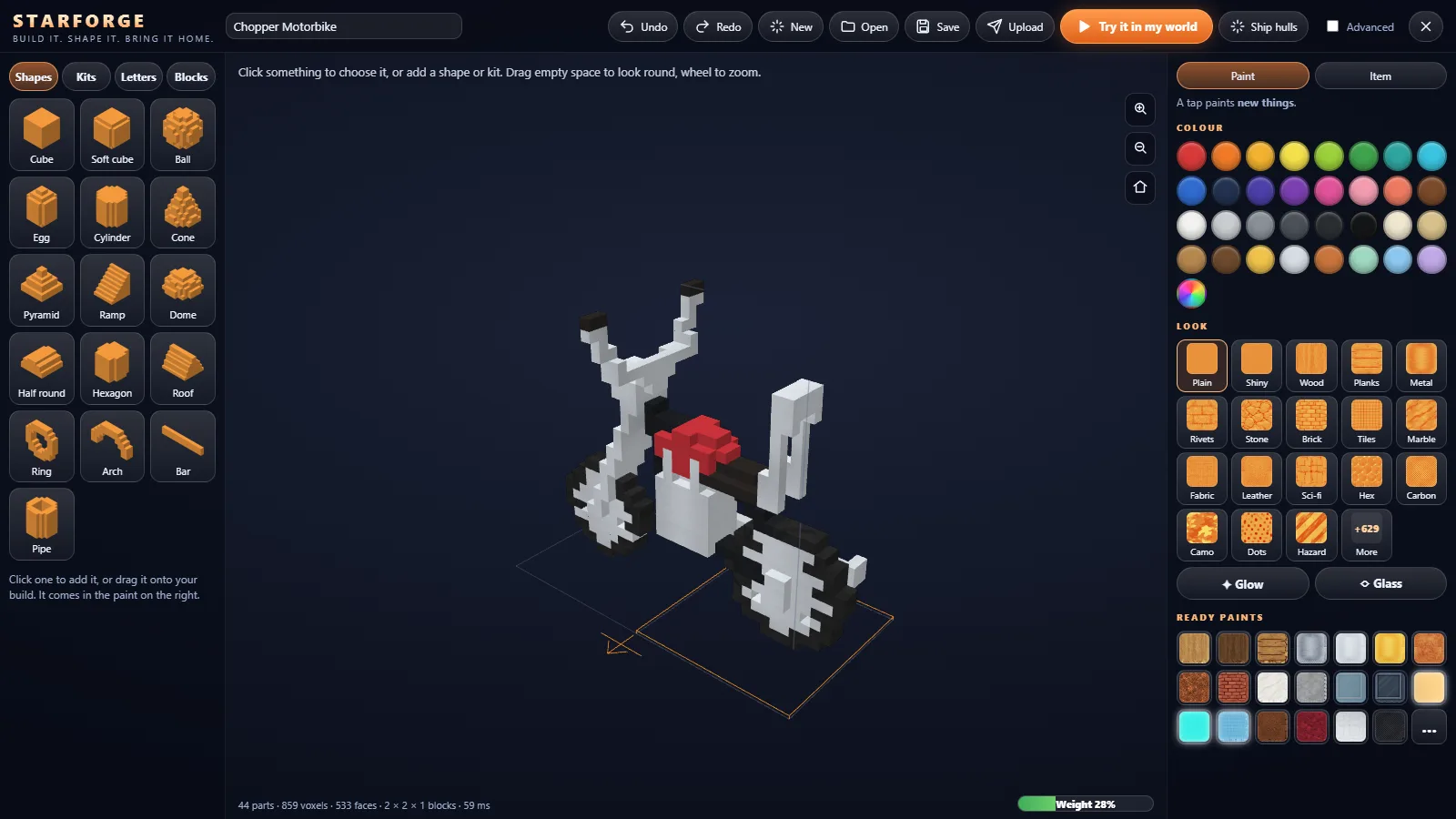
Pick a size, then click shapes into it: cubes, balls, cones, domes, ramps, arches, pipes and more. Kits add made things in one go: wheels, windows, lamps, eyes. Letters spell out your signs.
Paint every part in over 640 looks, from oak and brick to brushed steel, sci-fi panels and hazard stripes, or make it glow or turn it to glass. Drag to move, turn and flip; undo anything.
Things that work
Not just models. Machines.
Give a design a job and it does it in the world.
Engines and sails
Ship's engines, propellers, rudders, sails, paddle wheels and rocket engines with their fuel tanks: build something and it moves.
Helms, seats and doors
A helm to steer from, seats that carry your friends, doors that open, ladders and ramps to get aboard.
Landing gear
Legs that fold away as your ship climbs and come down to land. Choose how they tuck away: back, forward, out or up into the hull.
Turrets and launchers
Gun turrets that turn and aim, and missile launchers, for ships that need to fight their way home.
Lamps, radios and clocks
Lamps that light your rooms, radios that play, clocks that keep the time: things you use, not just look at.
The Shipwright
Hulls made to your measure: a ship, a submarine, an airship or a starship, as long, wide and deep as you like, ready to fit out.
From your screen to everyone's world
Make it once. See it everywhere.
Try it in my world drops your design in front of you in a second: walk round it, sit in it, sail it. A weight meter keeps every design light enough for every player's machine, and a tidy-up makes it lighter without changing a single voxel.
Upload sends it to us. Once it passes its checks it can go in the Store with its own catalogue code, and other players can build it into their worlds: you will spot your lamp in someone's kitchen, your statue in their town square, your ship in their harbour.
Get paid for what you make. Creator earnings are on the way: when the Store opens to players' designs, you will earn a share every time someone buys yours.
Easy to start
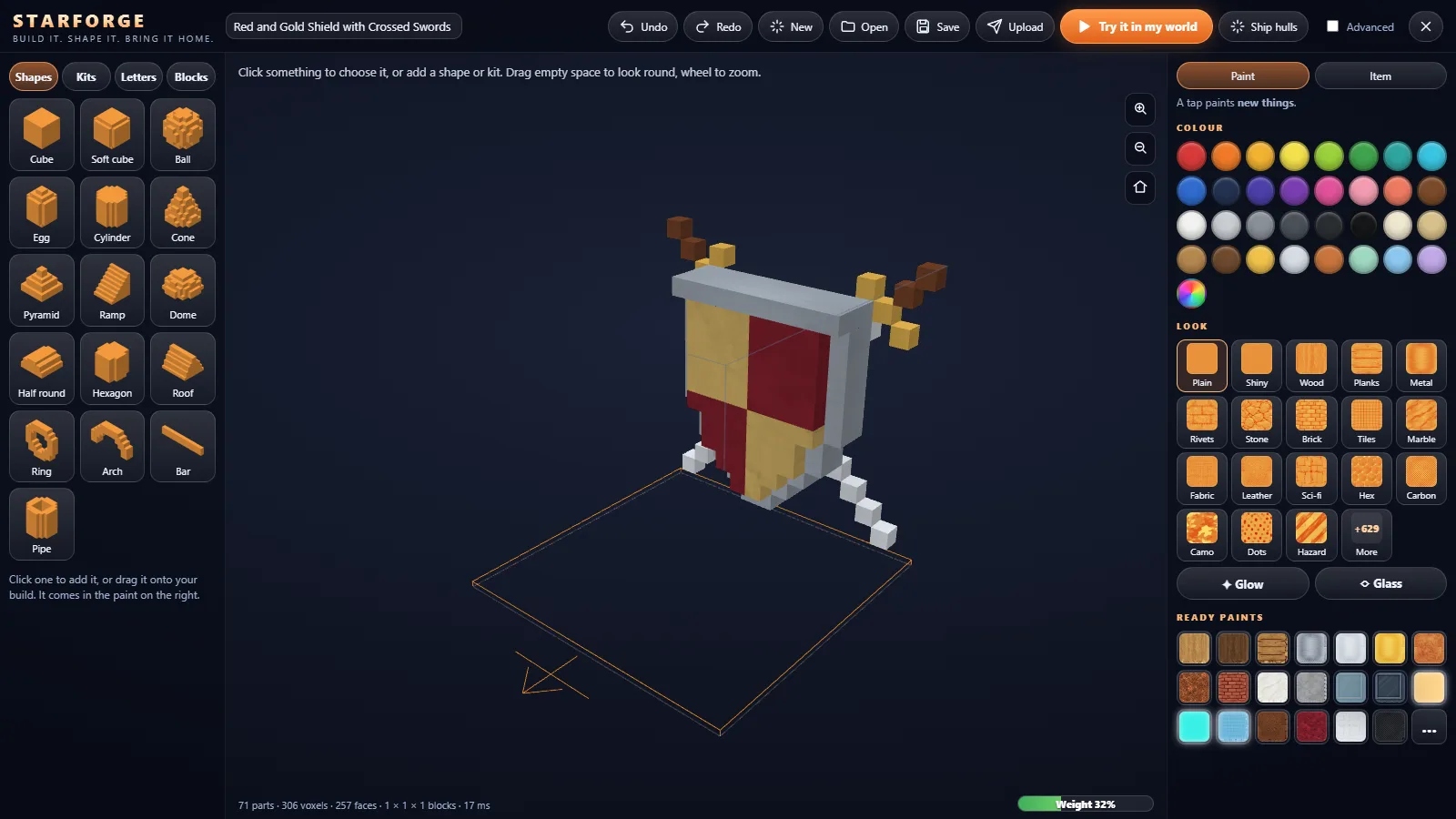
A first-time guide, big clear buttons and sensible sizes: simple enough for a first model.
Deep when you want it
Advanced opens exact sizes and turns, every paint setting and the parts list.
Mouse or controller
Every button works with a keyboard and mouse or an Xbox-style controller.
Questions about Starforge
Is Starforge free?
Yes. Starforge is part of the game: open it from the main menu or the pause menu and make as much as you like.
Do I need Blender or any 3D experience?
No. Starforge starts simple: pick a size, click a shape and drag it where you want it. Turn on Advanced when you want exact sizes, turns and every setting.
Can I earn from what I make?
That is where Starforge is heading. Upload a design and, once it passes its checks, it can go in the Store with its own catalogue code. Creator earnings are on the way: when the Store opens to players' designs, you will be paid a share every time someone buys what you made.
Can other players use my designs?
Yes: once your design is in the Store, other players can build it into their worlds, and you will see it in their towns, harbours and bases when you play together.
Are there rules for uploads?
Keep it kind and keep it yours: no real brands or logos, nothing hateful or rude, nothing copied from someone else. Every upload is checked before it goes in the Store.