- Home
- Download
Download for Windows
Mantlenaut for Windows.
The same free game as in your browser, on its own: always on your best graphics card, no tabs around it, and no limit on the frame rate.
Mantlenaut for Windows
Version 1.0.2 · 29 September 2026
- Windows 10 or 11, 64-bit
- 112 MB download
- Updates itself when you start it
- Free. No ads, no trackers
Rather not install anything? Play in your browser: same game, same account.
Why the app
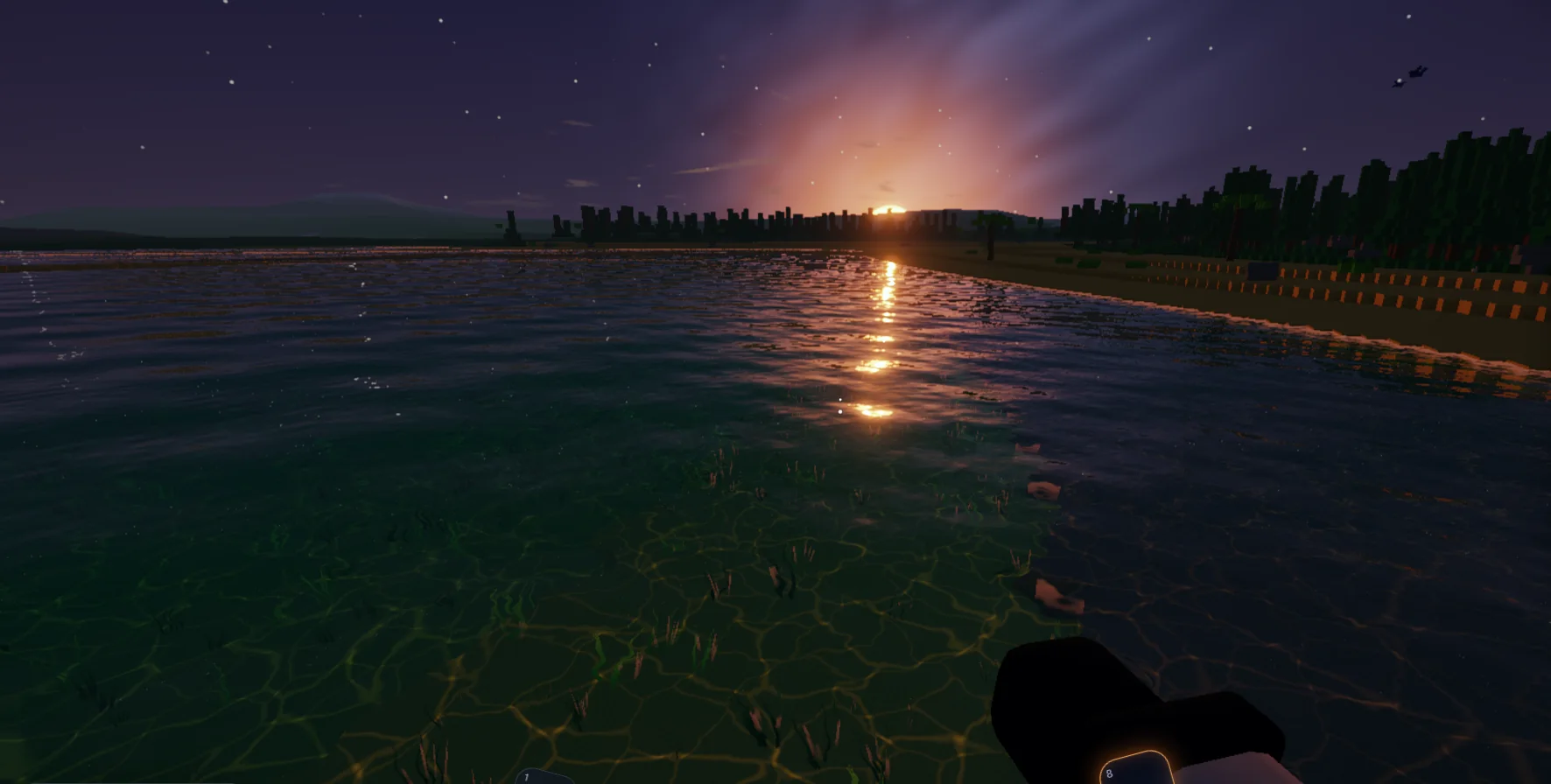
Every frame your PC can make.
Truly unlocked
A browser holds every game to your screen's refresh rate. In the app, Settings, Graphics, Unlocked lifts the limit: no VSync, as many frames as your machine can draw, on a steady beat so it stays smooth.
G-Sync, FreeSync, VRR
Or choose Smooth: every frame in step with your screen. On a variable-refresh screen the refresh follows the game (turn it on in Windows' display settings or your NVIDIA or AMD control panel).
Just the game
No tabs, no extensions and nothing in the background, and always on your most powerful graphics card, even on a laptop with two. F11 for fullscreen.
Browser or app?
Two ways in. Both free.
| What | In your browser | Windows app |
|---|---|---|
| Install | Nothing: click and play | One 112 MB installer |
| Runs on | PC, Mac, Chromebook, Linux, Android | Windows 10 and 11 |
| Frame rate | Up to your screen's refresh rate | Unlocked, or in step with G-Sync / FreeSync |
| Graphics card | The one your browser picks | Always your most powerful one |
| Updates | Always the latest | Updates itself at start |
| Best for | Trying it now, playing anywhere | Gaming PCs, the smoothest play |
Installing
Playing in three steps.
- DownloadClick Download free for Windows and save Mantlenaut-Setup.exe.
- InstallOpen it and choose where it goes. If Windows says it protected your PC, choose More info, then Run anyway.
- PlayStart Mantlenaut from the Start menu and sign in. While we are in alpha, the app opens the alpha sign-in, as the browser does.
System requirements
What your PC needs
To play
- Windows 10 or 11, 64-bit
- Graphics with DirectX 11 or 12 (built-in graphics play on the lower settings)
- 4 GB of memory
- 500 MB of space
For High and Ultra
- A dedicated graphics card: GeForce GTX 1060, Radeon RX 580 or newer
- 8 GB of memory
- An SSD
- The first time it starts, the game tests your PC and picks the settings for you
Questions about the app
Is the desktop app free?
Yes. The app is free, with no ads, and it is the same game as in the browser: free to play and no pay to win.
Why does Windows say it protected my PC?
Windows warns about any new app it has not seen many people install yet. Choose More info, then Run anyway. The installer comes straight from mantlenaut.com, and the app only ever opens mantlenaut.com.
Does it keep itself up to date?
Yes. Each time you start it, the app checks for a new version, downloads it with a progress bar and restarts into it. You never have to download it again.
Are my worlds shared between the browser and the app?
Your account works in both. Worlds are kept on the device where you play them, and the app and your browser each keep their own. To move a world, export it to a file in one and import it in the other.
Is there a Mac or Linux app?
Not yet. On a Mac, a Chromebook or Linux, play in your browser: it is the same game.
How do I uninstall it?
Windows Settings, Apps, Installed apps, Mantlenaut, Uninstall. Your worlds in the browser are not touched.